AutoCount POS Troubleshooting
The server was not found or was not accessible
Question:
Failed to login, massage: "Critical Sql Exception... The server was not found or was not accessible...."

Possible Reason:
The SQL service has not been started.
Solution:
Start the SQL service and you will be able to login into AutoCount system.
Step 1:Press the Windows button and type Services.msc or go to Control Panel > Administrative Tools > Services
QR Ordering Issue
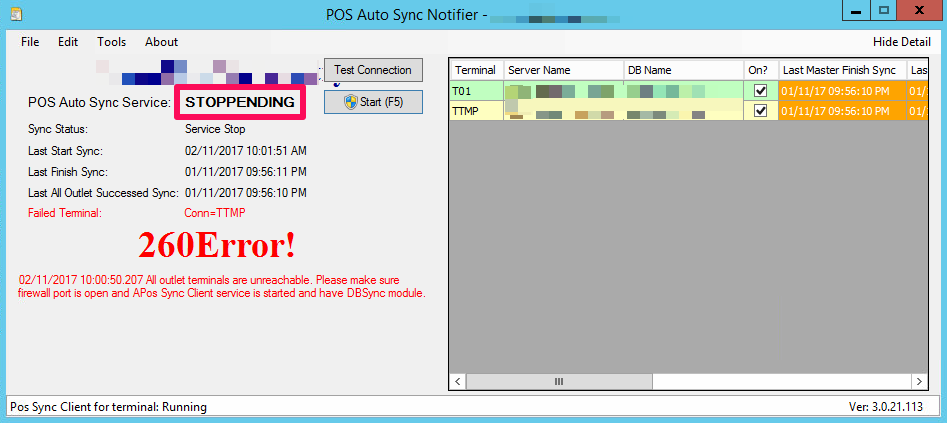
POS Auto Sync Service can’t be stopped - Stoppending
I want to stop my POS Auto Sync, but the status stuck at “STOPPENDING” for a very long time, how to force to stop it by another way?
https://wiki.autocountsoft.com/wiki/Pos:POS_Auto_Sync_Service_can%E2%80%99t_be_stopped_-_Stoppending